


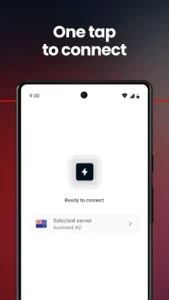
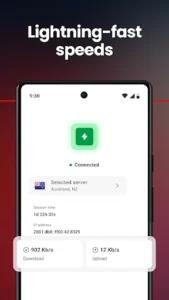




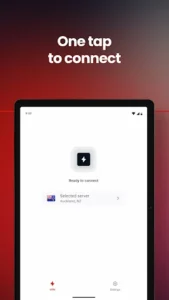

MEGA VPN is an app designed to enhance your internet privacy and security by encrypting your online connection and masking your IP address. It aims to provide a faster and more secure browsing experience by eliminating potential throttling from internet service providers and protecting your data on various networks. Users can browse, stream, and download with the assurance of an encrypted connection, helping to safeguard personal information from prying eyes.
Securing Your Connection
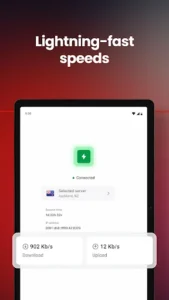
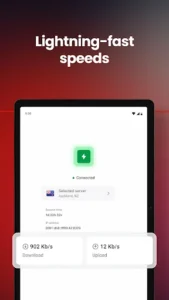
The app establishes an encrypted internet connection, primarily using ChaCha20 encryption, which helps protect your browsing activity from hackers and information theft, even when connected to unsecured public Wi-Fi networks. This process masks your IP address, adding a layer of anonymity to your online presence. Furthermore, MEGA VPN states it can eliminate throttling, which may contribute to a more consistent and faster internet experience for activities like streaming and downloading.
Ad Blocking and Tracker Prevention
Included within the app’s functionality is an ad blocker. This tool is designed to stop annoying advertisements and invisible trackers that typically follow your online activity. By blocking these elements, the app aims to provide a cleaner, faster, and more private browsing environment, reducing distractions and enhancing loading times.
Global Server Access and Automatic Protection
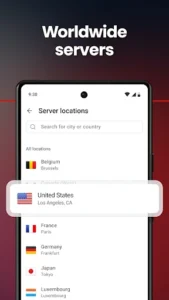
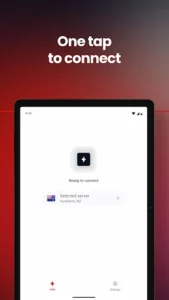
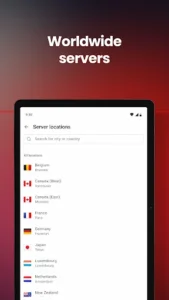
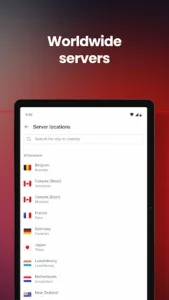
Users can choose from multiple servers located around the world, including regions in North America, Europe, Asia, and New Zealand. This allows for flexibility in connecting to different geographic locations. The app also features a Smart auto-connect option, which can automatically activate MEGA VPN when it detects potentially risky networks, aiming to maintain continuous protection without manual intervention.
Flexible Access and Device Support
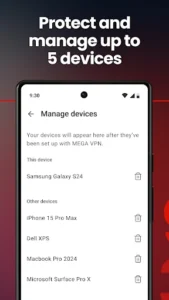
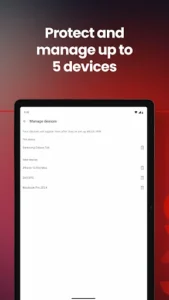
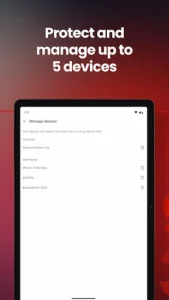
MEGA VPN offers unlimited VPN traffic with full-speed access, meaning there are no data caps or slowdowns imposed by the service itself, allowing users to stream, browse, and download as much as they need. The service is available through a standalone plan, which includes a 7-day free trial, or it can be accessed for free as part of any MEGA pro plan. Users can install and utilize MEGA VPN on up to five devices simultaneously, covering smartphones and tablets to protect privacy across multiple personal devices.
Commitment to Privacy
The app emphasizes a strict no-logging policy regarding user activity. It explicitly states that it does not log or share browsing activity, DNS queries, browser type, or the time spent on pages. For further details on how user data is handled, the MEGA Terms of Service and Privacy Policy are applicable and accessible via their respective links. Should users require assistance, a dedicated Helpdesk team is available for 24/7 support.






Write a review